Crazy Balls
How a Crazy Balls round works from start to finish
Follow Crazy Balls as a sequence of actions: select, review the full stake, wait for acceptance and read the completed settlement. Use the worked figures alongside the rules so that a winning position is not confused with a profitable round.
Treat the round as a sequence rather than one continuous animation: choose cards, check their full cost, observe modifiers, follow the draw and resolve any bonus. Crazy Balls becomes easier to read when those stages remain distinct. This guide covers the checks needed while betting is open and the evidence to examine once the accepted selection has finished.
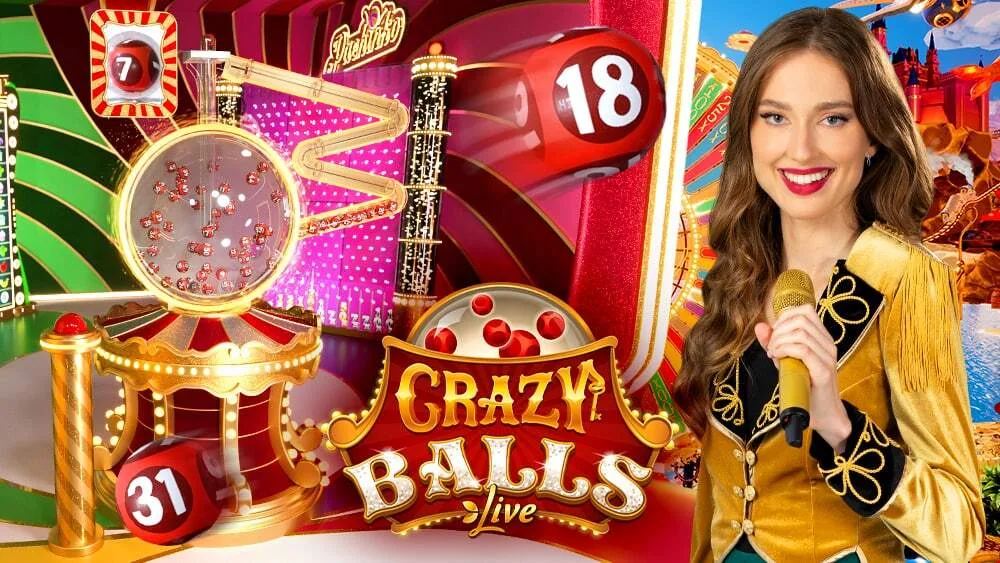
Guide sections
Identify the table and inspect the betting panel
Check that the launched title is Crazy Balls and that Evolution is shown as the provider. Use the table’s help instead of transferring a remembered rule from Crazy Time or a different bingo-style product. Before selecting anything, find the chip values, selected-card area, total stake and countdown so that you can confirm the complete instruction while betting remains open.
Remove unwanted selections before the betting window closes. A repeat command or automatic-betting setting may commit another complete stake, so treat it as a financial instruction rather than a way to tidy the display. Write down or otherwise establish your intended limit before the pace of the live show encourages you to carry the same selections into another round without checking them.
| Stage | What to check |
|---|---|
| Selection | Each active card and total stake |
| Modifiers | Free Spaces and multiplier positions |
| Draw | Matched numbers and completed lines |
| Settlement | Final feature and account record |
What to watch before and after card selection closes
The closing of card selection marks a change in what you should watch. Before that point, verify cards and costs; afterwards, follow the selections the game accepted. The host allocates modifiers before the machine completes the numbered draw. An early highlighted square can therefore belong to the modifier stage and should not be read as proof that the corresponding physical ball has already appeared.
If your card qualifies for a feature, watch the entire bonus through to its resolution. Pay particular attention to the participant controls in Cash Hunt and Crazy Time, where the individual selection matters. Finish by checking the completed event in account history. Separating these steps prevents an accepted instruction, a visual effect and its eventual payment from being confused with one another.
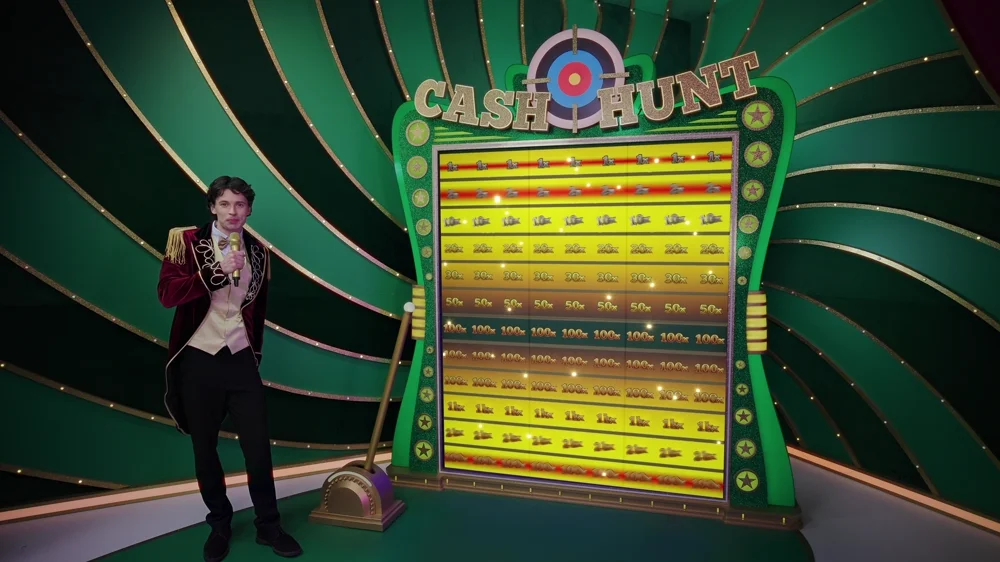

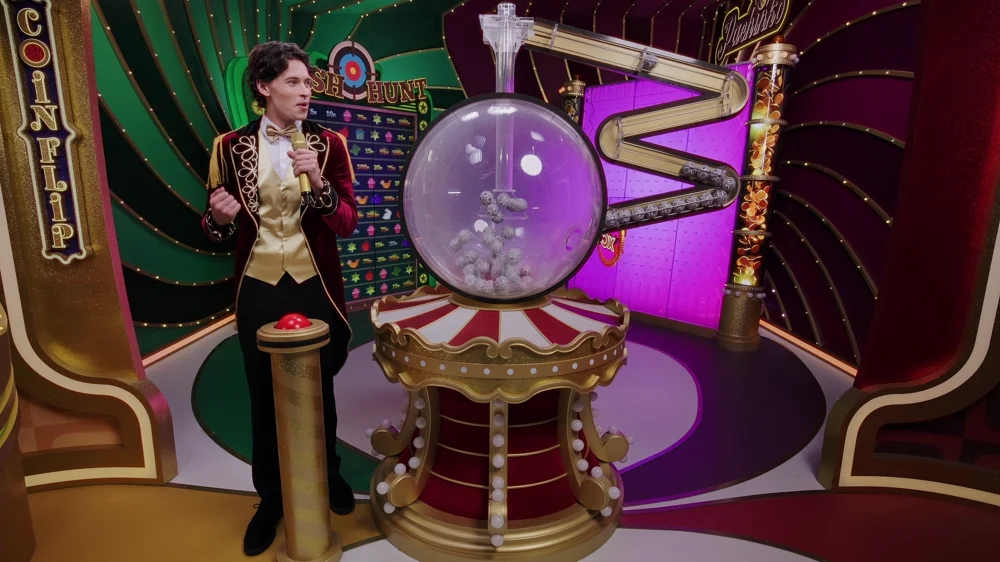
Add every active selection before the deadline
Count each occupied card rather than focusing on the denomination of one chip. Three selections at two units apiece commit six units, for example. If your intended total was four, the game will not infer that from your budget: change the actual selections while the betting window allows it, then read the displayed combined amount again to confirm the correction.
Include bonus cards as well as regular cards when adding the stake. Their position beside the main cards does not make a feature selection free. After pressing repeat, inspect the combination that was restored rather than trusting the button label alone. What matters is the accepted set of selections and its cost, including less prominent cards that remain active on the panel.
Observe one complete card before comparing the others
For a first observation, follow one card from allocation through the draw. Notice which positions became Free Spaces before watching newly drawn numbers mark the remaining squares. This focused view makes it easier to understand how a completed line can combine positions covered at the start with numbers matched later, without having to track every animation on every card at once.
This is a reading exercise, not a method for identifying a lucky card. When a numbered multiplier square is matched, check the rule attached to that square rather than assuming it affects the whole card. Once one card’s progression is clear, examine another from the same event. The common ball draw can produce different progress on different layouts, so comparing them helps explain the role of the card itself.
Calculate the balance change from settled amounts
Use the amount actually returned to the account for a balance check. As an illustration, three bets of two units cost six units overall. Nine units returned leaves a net gain of three; four returned leaves a net loss of two. That second example still contains a payment, but the payment is smaller than the combined cost of the round and therefore is not an overall profit.
The figures above demonstrate accounting, not a Crazy Balls paytable. Include every selection from the event, even those that returned nothing, and wait for any later-finishing bonus to settle before completing the calculation. A public feature value may help locate the event in time. Only the accepted stake and recorded account return establish the personal change in balance for that round.
Resolve an interrupted display through account history
A frozen stream does not establish that the stake was rejected. If the wager was accepted before the picture stopped, do not place another merely to replace the missing animation. Reconnect through the operator’s ordinary route and inspect the settled game history first. The video state and the account’s accepted-bet state answer different questions.
When asking support to investigate, retain the game title, currency, time and round reference. An external history may help locate a rough time interval, but it cannot supersede the operator’s account record. Changing browsers will also not solve an underlying account-eligibility issue or a location restriction, even if the same change improves the video display.


Check mobile controls before a timed decision
Before using the mobile controls, check that the complete card area fits the screen, the total stake is readable and browser chrome does not cover the bonus inputs. Close unrelated overlays in advance, particularly when the game requires a choice within a limited time window.
Enable audio if it helps you follow the show, but use visual acceptance and account history to confirm bets. A page that reloads after returning from another app may require you to check accepted and settled selections before continuing. Battery-saving settings and changing networks can interrupt playback; neither turns an already accepted stake into an instruction that was never placed.
THE PRACTICAL DESK
Put the numbers to work
Change the example inputs to see how the arithmetic changes. These tools use the figures you enter; they do not read your casino account or predict a game result.
Round balance
Follow the mechanic into another game
Mega Ball and Lightning Ball offer two useful comparisons for a numbered-ball game: card lines in one, standard numbers plus a separate Powerball in the other. Matching a number is only the first step in reading the payout.


Playing sequence: common questions
Can I select several regular cards?
Yes. Evolution permits up to four regular cards. Read the stake attached to every active card and check their combined round cost before confirming the selection.
Does a Free Space add a ball to the draw?
No. A Free Space counts as a drawn position on its card without adding a physical ball to the draw, which still contains 20 numbers.
What should I do if the video freezes after a bet?
Before placing a replacement, review accepted and settled bets in the operator’s normal history. Save the round reference if support needs to investigate the interruption.
EVOLUTION GAMES GUIDE